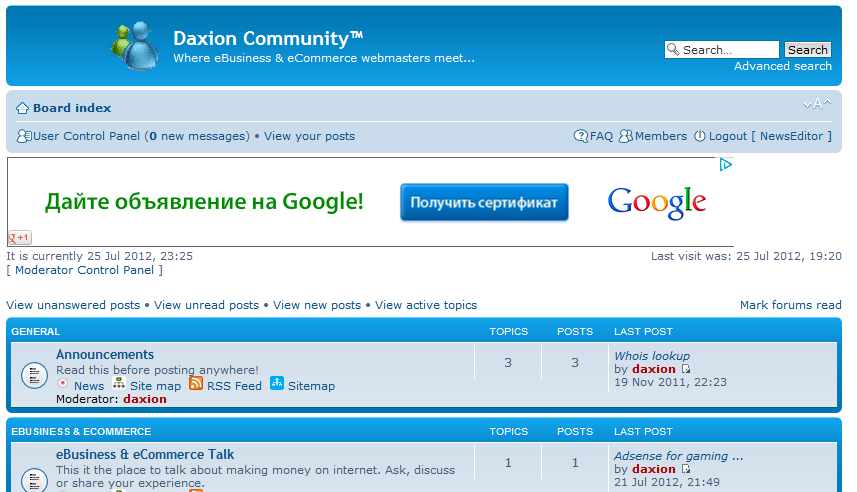
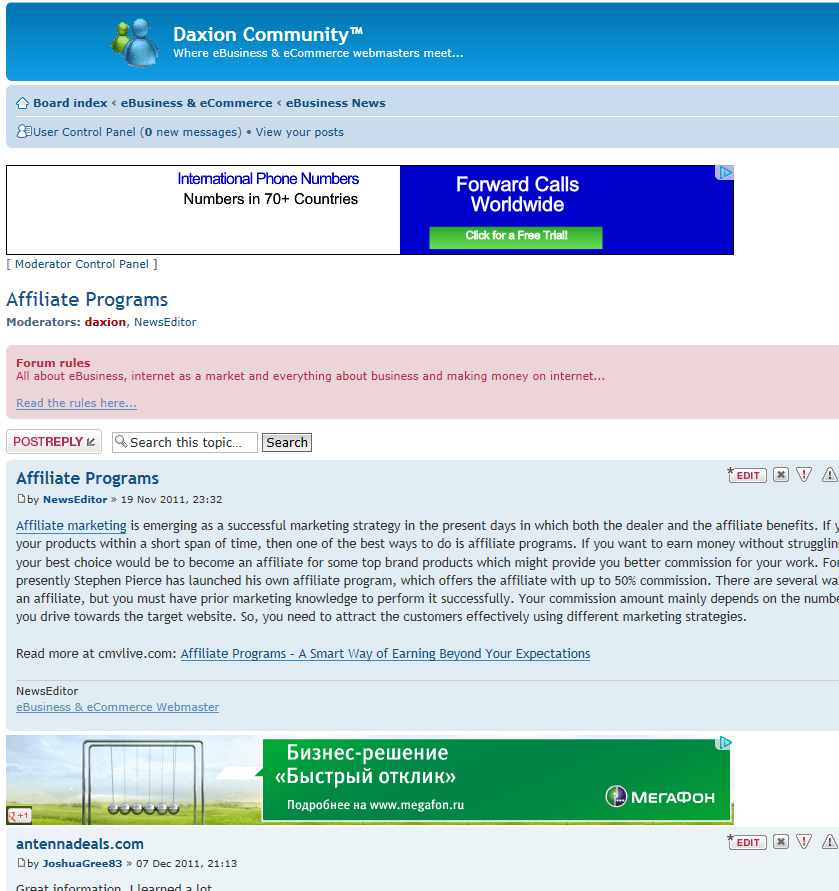
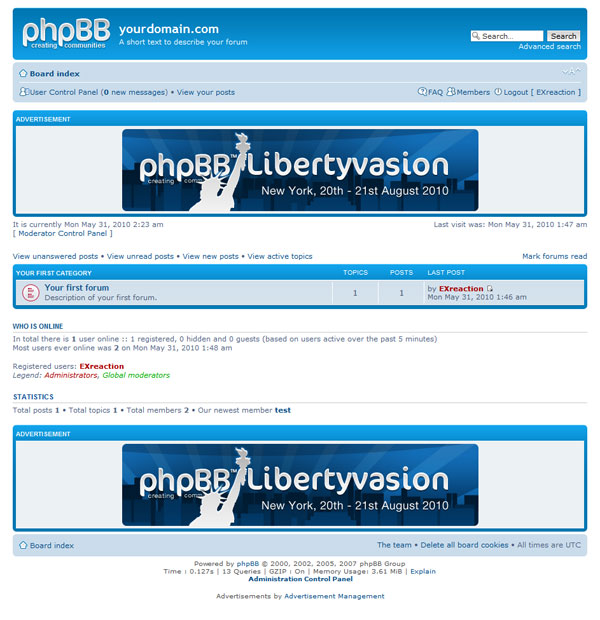
Inserting ads in phpBB3
Posted: July 25th, 2012, 7:51 pm
This post have its content collected from the following source:
phpBB Knowledge Base - Inserting ads in phpBB3
Before you implement any of what is suggested in this post, as a preparation to avoid damage and understand what you are doing and why; FIRST please read this post TO THE END and open the above linked original article in the phpBB Knowledge Base.
It is a good idea to make as little modification as possible to phpBB core files, so that the upgrade procedure can work without troubles. This way, every time you want to modify your ads policy/provider you just have to modify the files under directory "<your forum root>/ads/".
Create the following files:
1) <your forum root>/ads/index.html
2) <your forum root>/ads/viewforum.html
3) <your forum root>/ads/viewtopic.html
(directory "<your forum root>/ads" must be created as it is not part of phpBB3)
Insert your ads code in the above (three) files as it is provided from your ad provider, for instance Google Adsense between the body-tags.
Then make the following modifications:
1) open file <your forum root>/styles/<style name>/template/index_body.html and after the line
insert
2) open file <your forum root>/styles/<style name>/template/viewforum_body.html and after the line
insert
3) open file <your forum root>/styles/<style name>/template/viewtopic_body.html and after the line
insert
4) save and close all files
PLEASE NOTE: for this modification to be effective you must clear the cache (there is a button for that in the ACP home page).
phpBB Knowledge Base - Inserting ads in phpBB3
Before you implement any of what is suggested in this post, as a preparation to avoid damage and understand what you are doing and why; FIRST please read this post TO THE END and open the above linked original article in the phpBB Knowledge Base.
It is a good idea to make as little modification as possible to phpBB core files, so that the upgrade procedure can work without troubles. This way, every time you want to modify your ads policy/provider you just have to modify the files under directory "<your forum root>/ads/".
Create the following files:
1) <your forum root>/ads/index.html
2) <your forum root>/ads/viewforum.html
3) <your forum root>/ads/viewtopic.html
(directory "<your forum root>/ads" must be created as it is not part of phpBB3)
Insert your ads code in the above (three) files as it is provided from your ad provider, for instance Google Adsense between the body-tags.
Then make the following modifications:
1) open file <your forum root>/styles/<style name>/template/index_body.html and after the line
Code: Select all
<!-- INCLUDE overall_header.html -->Code: Select all
<!-- INCLUDE ../../../ads/index.html -->2) open file <your forum root>/styles/<style name>/template/viewforum_body.html and after the line
Code: Select all
<!-- INCLUDE overall_header.html -->Code: Select all
<!-- INCLUDE ../../../ads/viewforum.html -->3) open file <your forum root>/styles/<style name>/template/viewtopic_body.html and after the line
Code: Select all
<!-- INCLUDE overall_header.html -->Code: Select all
<!-- INCLUDE ../../../ads/viewtopic.html -->4) save and close all files
PLEASE NOTE: for this modification to be effective you must clear the cache (there is a button for that in the ACP home page).